
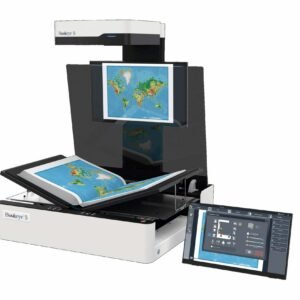
Ricoh fi-8040
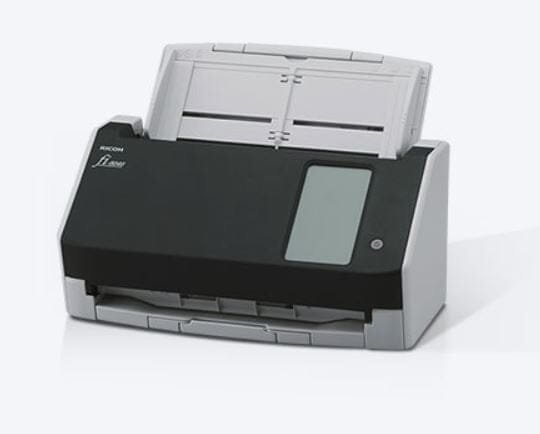
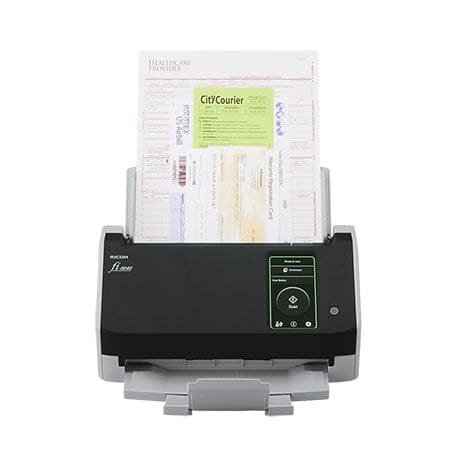
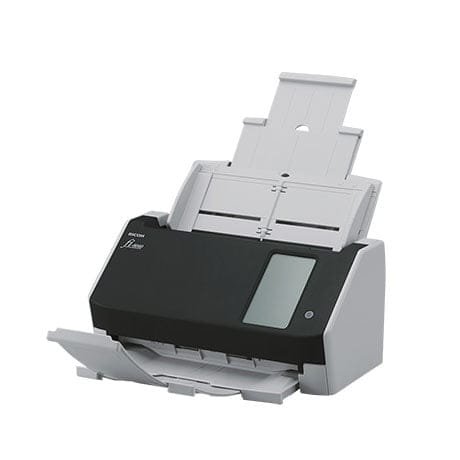

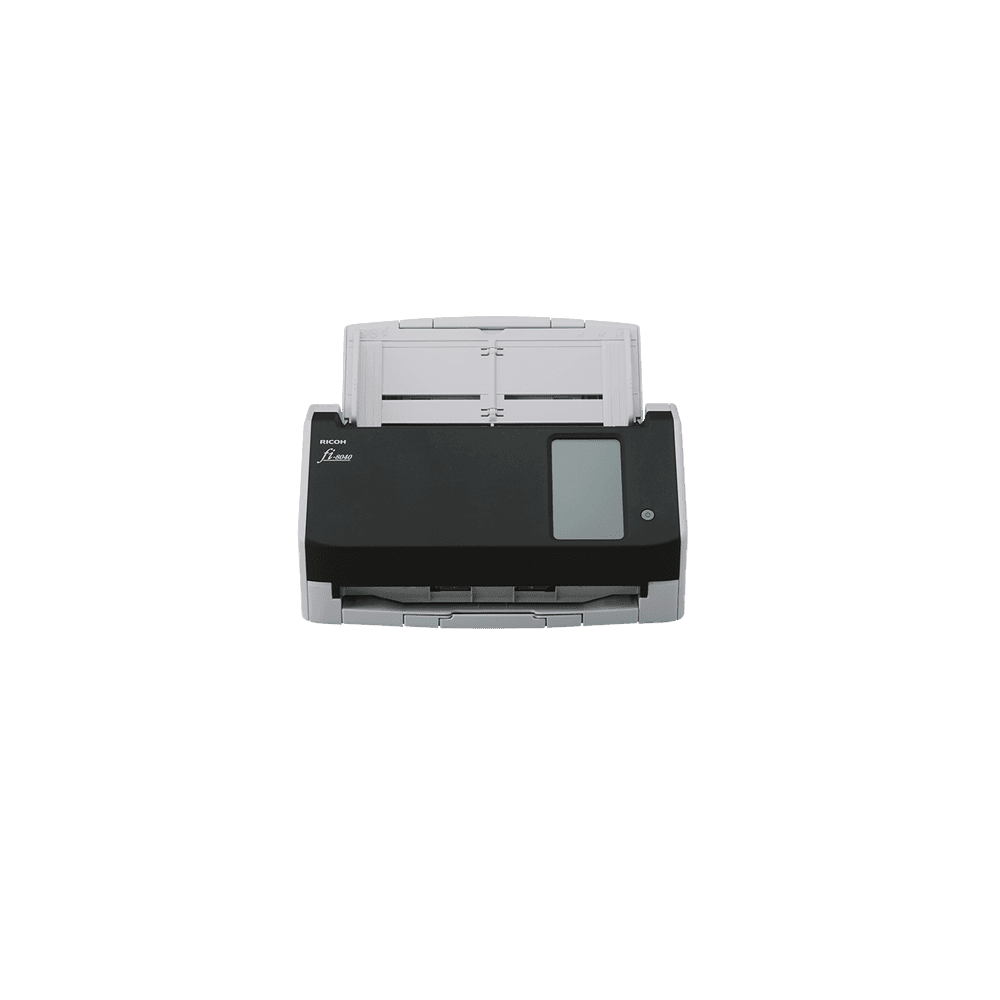
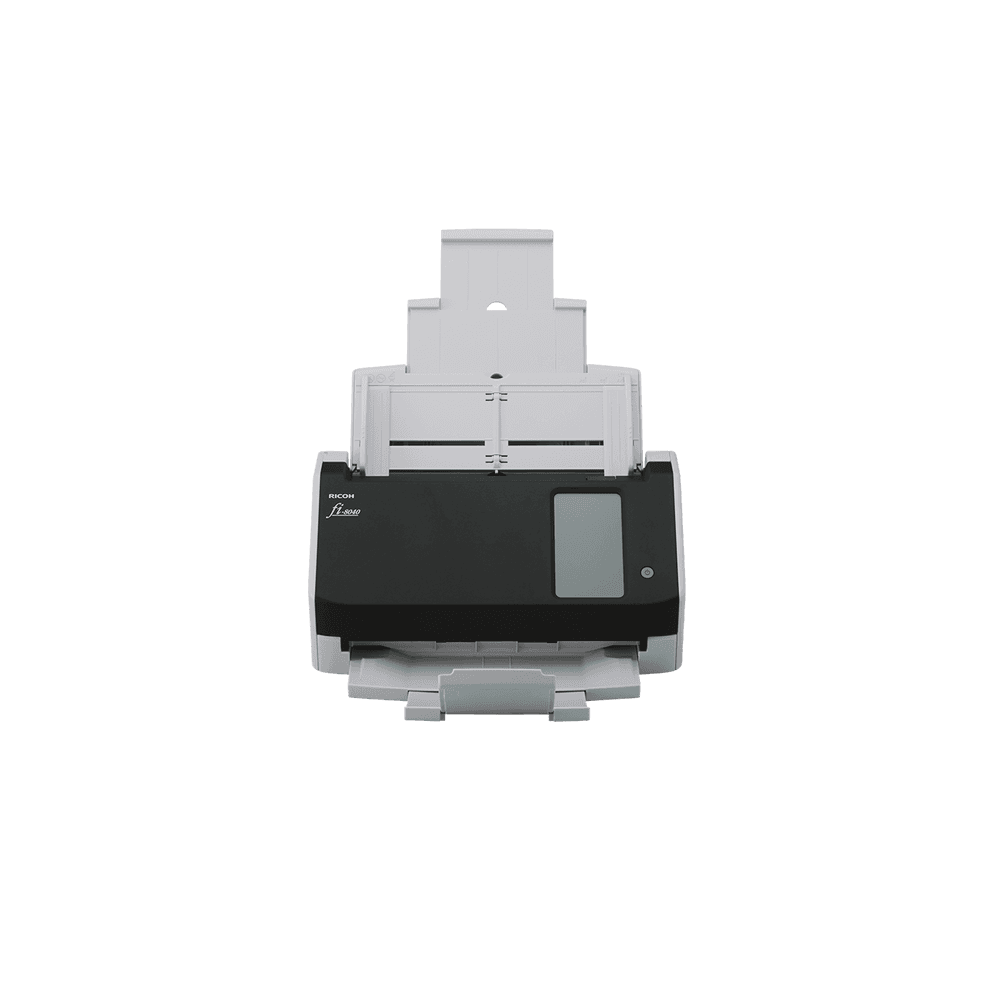

“DirectScan” breakthrough. PC-less scanning
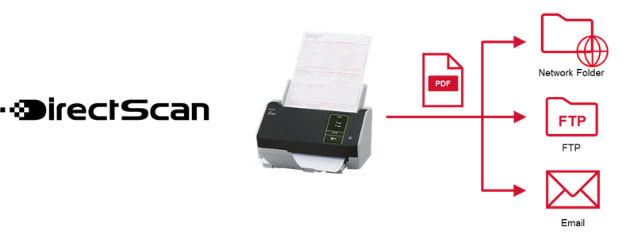
Save scans directly to network folders
Equipped with the “DirectScan” function*, the fi-8040 enables PC-less scan and saves scanned data directly to network folders or FTP servers by setting destination storage locations in advance. The setting can be done easily with a web browser for a single unit or with the “Scanner Central Admin Desktop” software for multiple units. The scanner acts as a platform for business solutions to share data among multiple departments, work teams, and remote work environments.
*DirectScan function is available only when the time is synchronized with an NTP server.
Attach scans to e-mails directly and share with multiple users
Compact but equipped with a 4.3-inch touch screen, the scanner allows ease of designating recipients, attaching and sending scans, all from the touch screen. Filenames and sizes can be verified before sending. The fi-8040 is an ideal scanner for use with multiple users in office as well, for information sharing, as a possible replacement for the conventional fax.
Seamless integration with client systems. Workflow efficiency
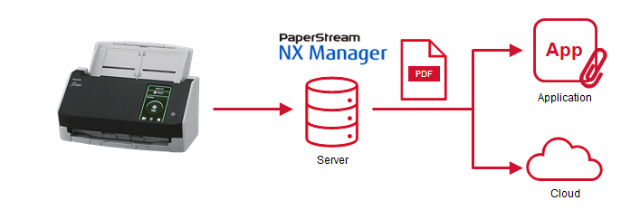
Use the PaperStream NX Manager* to link scanned data to business software applications and cloud services. Explore enhanced workflow efficiency, and implement work operations smoothly to include wider variety of locations on trusted and stable environment.
*PaperStream NX Manager becomes available with firmware updates in October 2023.
Boosted usability and flexibility for any environment
User-friendly 4.3-inch touch screen for easy operation
Equipped with the touch screen on its compact body of the scanner, users are able to check scanned data before saving, attaching, and sending scans, all on the touch screen.
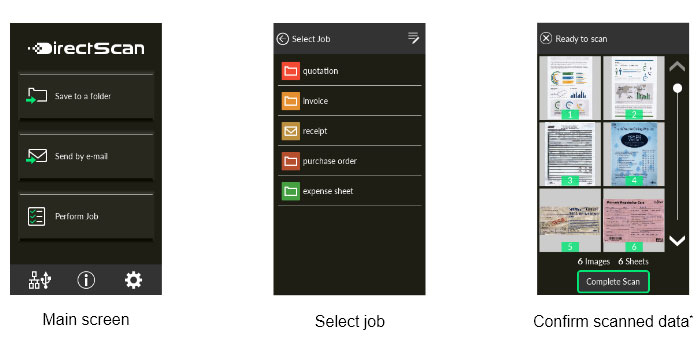
*Thumbnails of scanned data are shown for confirmation only when PC-less scanning.
Supports scanning of wide range of documents
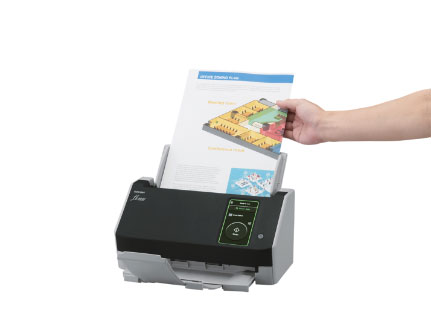
The scanner handles various types of documents, including plastic cards and A3, bi-folded, and multi-layered documents without the need for a carrier sheet. Plastic cards up to a thickness of 0.7mm can be read as well.
Optimized high-quality image data for business use
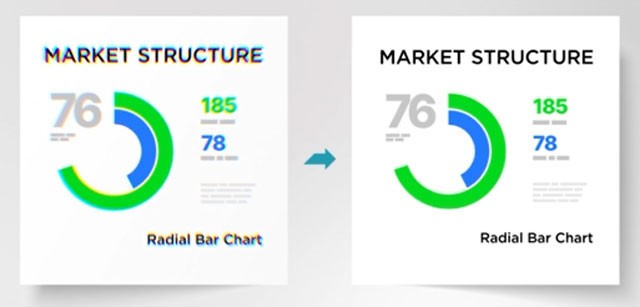
Combining the new CIS sensor with the GI image processing engine suppresses the occurrence of color shifts. “PFU Clear Image Capture” produces high definition images for data extraction while keeping power consumption to the minimum and reduces startup times.
Scanner Type: simple
Scanning color mode: Color
Document Size: A4
Scanning Speed: 21 to 45 ppm
Capacity: 51 to 100 sheets
Scanning Speed: Simplex: 40 ppm (200 / 300 dpi) Duplex: 80 ipm (200 / 300 dpi)
Maximum Document Size: 216 x 355.6 mm (8.5 x 14 in.)
Minimum Document Size: 50.8 x 50.8 mm (2 x 2 in.)
Long Paper Scanning: 5,588 mm (220 in.)
ADF Capacity: 50 sheets (A4 80 g/m² or Letter 20 lb)
Interface: USB 3.2 Gen1x1/USB 3.0/USB 2.0/USB 1.1 Ethernet 10BASE-T, 100BASE-TX, 1000BASE-T
Daily Duty Cycle: 6,000 Sheets
Image processing function: Multi image output, Automatic color detection, Blank page detection, Dynamic threshold (iDTC), Advanced DTC, SDTC, Error diffusion, Dither, Static threshold, De-Screen, Emphasis, Dropout color (None/Red/Green/Blue/White/Saturation/Custom), sRGB output, Split image, De-Skew,Edge filler, Vertical streaks reduction, Cropping, Rotation, Barcode detection (1D&2D), Background pattern removal.
Supported operating systems: Windows® 11, Windows® 10, Windows Server® 2022, Windows Server® 2019, Windows Server® 2016, Windows Server® 2012 R2, Windows Server® 2012
Software: PaperStream IP Driver (TWAIN/TWAIN x64/ISIS), WIA Driver, PaperStream Capture, PaperStream ClickScan,PaperStream NX Manager, Software Operation Panel, Error Recovery Guide, ABBYY FineReader for ScanSnap™,Scanner Central Admin Server, Scanner Central Admin Desktop
| Ricoh fi-8040 | Download |